Backups are now part of the target
A recovery plan needs to consider whether an incident could affect the backups as well as the systems they protect. The joint SafePay advisory published on October 20, 2026 describes interference with backup data intended to obstruct recovery. That is a reason to examine the recovery arrangements, not evidence that any particular organization has been compromised. The business question is practical: which recovery copy, tools and authorized people would still be available if ordinary administration could no longer be trusted?
Who can reach the backup system?
Start with access. List the accounts, administrators and suppliers that can change, delete or restore backup data. Ask whether backup administration shares credentials or identity services with the everyday environment. Check how those accounts are protected, who approves their use and when they were last reviewed. If a supplier manages backup tooling, confirm which systems the supplier can reach and how that access ends. The aim is a short, accurate list with named owners rather than an assumption that the backup platform is separate.
Is one copy out of reach of normal credentials?
Depending on the platform, protection options may include separately controlled administration, offline copies or immutable storage. Availability and the ability to change retention protections depend on the product, configuration, version and licensing, so confirm the actual controls. Ask whether at least one recovery copy would survive if an attacker obtained production administrator access. Record any gap with an owner and a decision. These measures reduce risk but do not guarantee recovery, so document what they do and do not cover.
Can you restore what the business needs first?
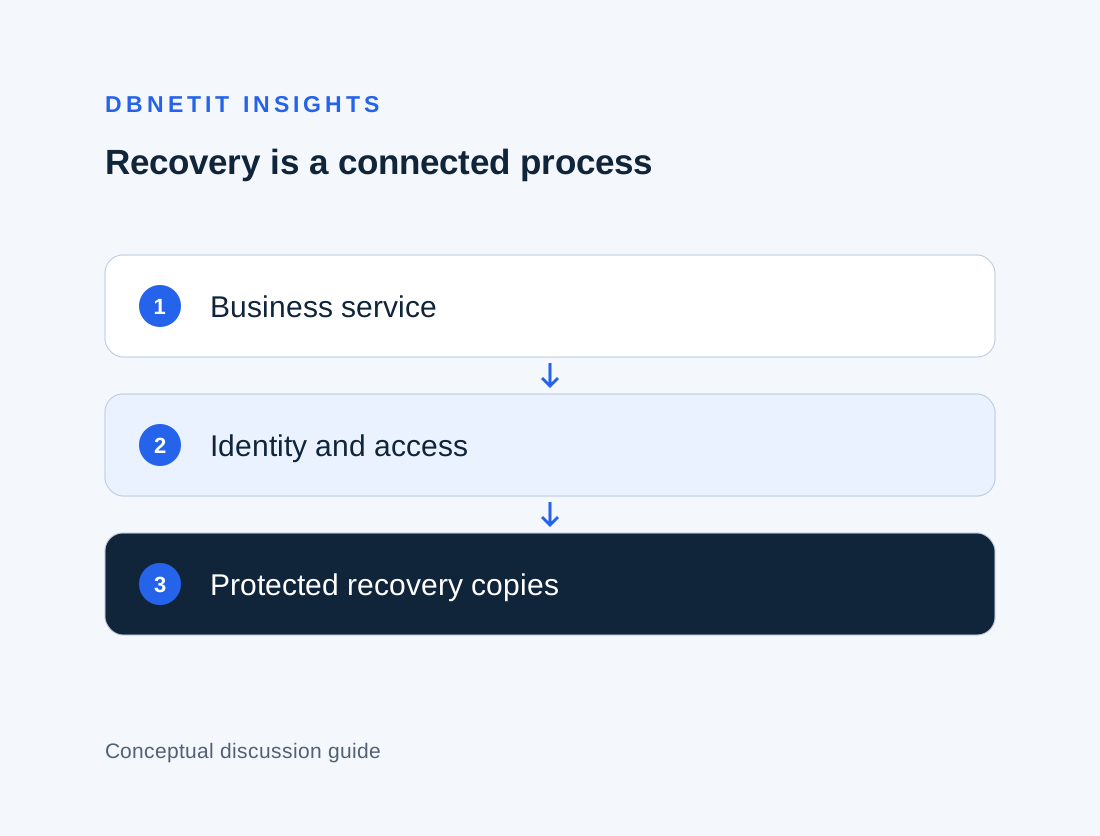
A successful backup status is an operational signal. It does not demonstrate that a service can be rebuilt in the order the business needs. Identify one critical service and trace what it depends on: identity, name resolution, databases, application servers, network access and the people who can approve recovery. Then test a restore against that list in an approved environment. Record how long it took, what was missing and who made decisions. The healthcare recovery article follows the same principle for clinical dependencies and the decisions that remain with clinical owners.
Would you notice if backups were tampered with?
Recovery plans sometimes assume backup failures will be obvious. Ask who receives alerts when jobs fail, retention settings change or copies are deleted, and whether those alerts reach someone with authority to act. Check that backup and security logs are retained somewhere an attacker with administrator access cannot easily erase them. Review log coverage and alert ownership alongside the backup configuration, and record any limitations that need a decision.
Decide the first hour before you need it
Technical protection helps only if people know what to do. Agree who can decide to isolate systems, who authorizes a restore and who contacts suppliers, insurers and, where required, regulators. Keep an up-to-date contact list somewhere that does not depend on the systems being recovered. A discussion-based exercise can test these decisions without disrupting live services, and it often reveals missing contacts or unclear authority.
A practical review for this week
Choose one service the business cannot do without. Answer five questions: who can delete its backups, which copy would survive a compromised administrator account, when it was last restored, what the restore depended on and who decides to begin recovery. Record unanswered questions separately from confirmed facts. Assign each gap to a named person with a target date. DBNETIT’s Data Security service can help review backup access, restore arrangements and recovery priorities, and IT & Managed Services can support the operational changes that follow.